
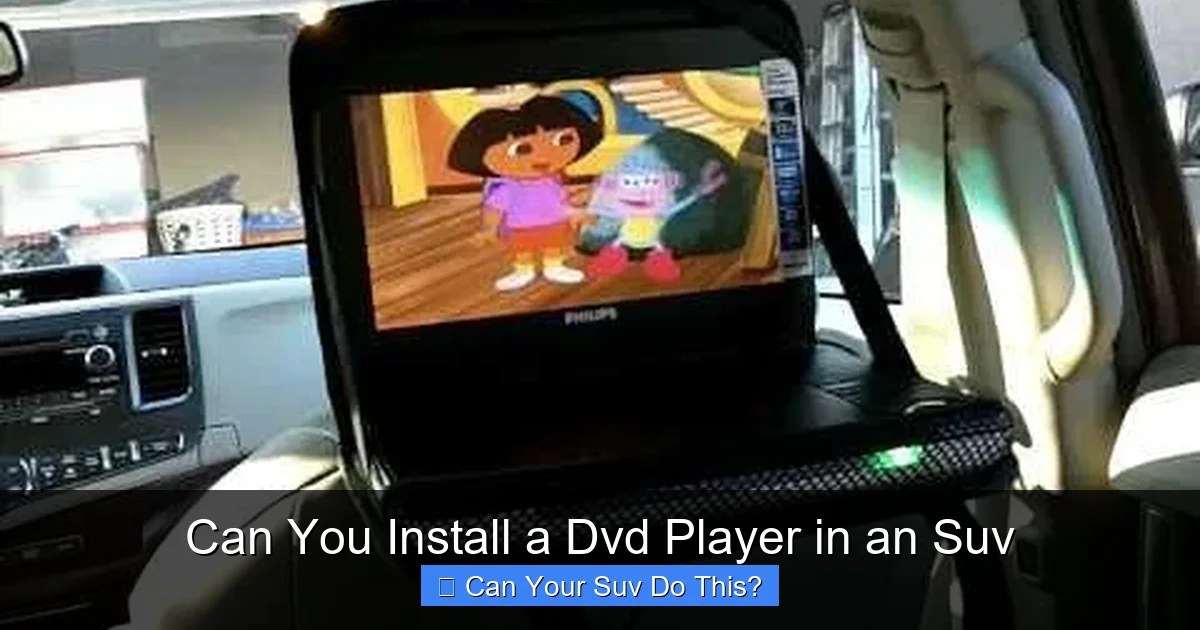
Installing a DVD player in an SUV is not only possible—it’s a smart way to keep passengers entertained on long trips. With the right setup, you can enjoy movies, shows, and even games safely and legally, whether you’re driving cross-country or just running errands around town.
Key Takeaways
- Yes, you can install a DVD player in an SUV: Most modern SUVs have the space, power, and wiring options to support aftermarket or built-in DVD systems.
- Safety and legality matter: In most states, video screens must be disabled for the driver while the vehicle is in motion—only passengers should view content.
- Choose between portable, headrest, and overhead systems: Each type offers different benefits in terms of installation ease, screen size, and passenger access.
- Power and wiring are key considerations: Ensure your SUV’s electrical system can handle the extra load, and use proper fuses and wiring kits for safety.
- Wireless headphones enhance the experience: They reduce cabin noise and allow passengers to enjoy audio without disturbing the driver or other riders.
- Modern alternatives exist: While DVD players are still popular, streaming devices and tablets offer more content flexibility and easier updates.
- Professional installation is recommended for complex setups: If you’re not confident with wiring or mounting, a car audio specialist can ensure a clean, safe install.
📑 Table of Contents
Can You Install a DVD Player in an SUV? The Short Answer
If you’ve ever been on a long road trip with kids—or even adults who get bored easily—you know how valuable in-car entertainment can be. The good news? Yes, you absolutely can install a DVD player in an SUV. Whether you’re driving a compact crossover like a Honda CR-V or a full-size beast like a Chevrolet Suburban, there are multiple ways to bring movies, music, and games into your vehicle.
SUVs are ideal candidates for DVD installations because of their spacious interiors, multiple seating rows, and often robust electrical systems. Unlike smaller cars, SUVs typically have room for overhead screens, headrest monitors, or even built-in rear-seat entertainment systems. Plus, many newer models come pre-wired for such upgrades, making the process easier than ever.
But before you rush out to buy the first DVD player you see, it’s important to understand your options, the installation process, and the rules that govern in-car video use. This guide will walk you through everything you need to know—from choosing the right system to ensuring it’s safe, legal, and fun for everyone in the vehicle.
Why Install a DVD Player in Your SUV?
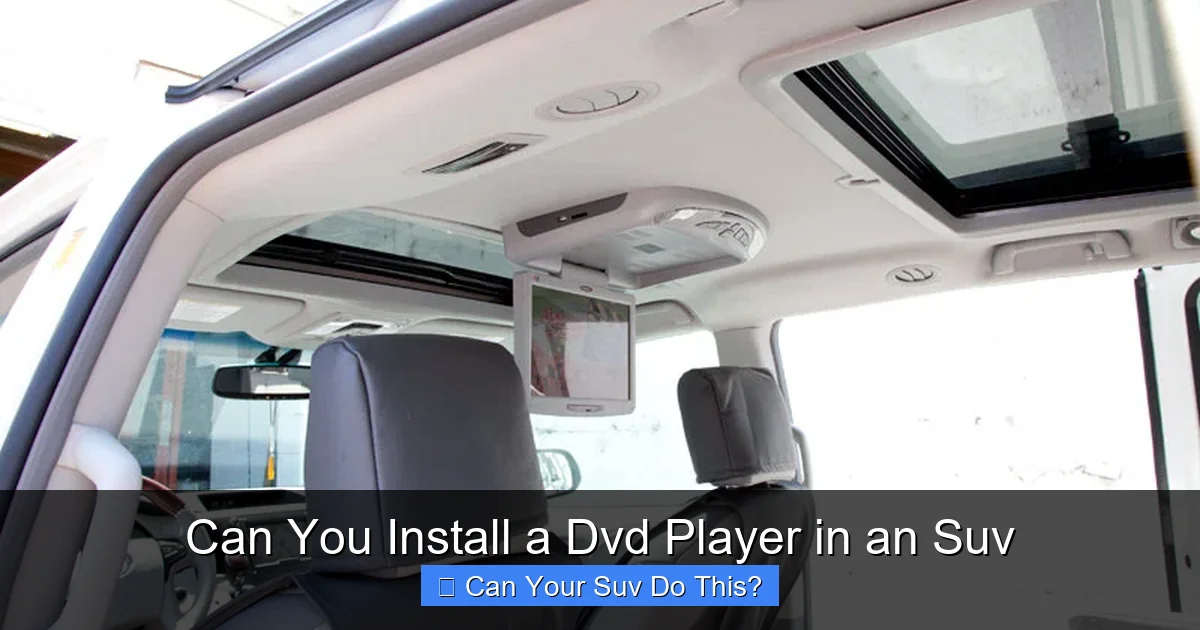
Visual guide about Can You Install a Dvd Player in an Suv
Image source: blog.qualitymobilevideo.com
Let’s be honest: long drives can be tough, especially when you’ve got restless passengers. Kids squirming in their seats, teens complaining about boredom, or even adults zoning out—these are all common scenarios on road trips. A DVD player can transform a dull journey into an enjoyable experience.
But it’s not just about entertainment. In-car DVD systems can also be educational. Load up documentaries, language lessons, or audiobooks for kids. Some systems even support gaming consoles, turning your SUV into a mobile gaming lounge. And let’s not forget the convenience—no more juggling tablets, chargers, and headphones. A dedicated DVD system keeps everything organized and accessible.
Another benefit is resale value. SUVs equipped with factory or professionally installed entertainment systems often appeal to families and can command a higher price when it’s time to sell. Even if you go the aftermarket route, a clean, well-integrated system can be a selling point.
Common Use Cases for SUV DVD Players
- Family road trips: Keep kids engaged during hours of driving.
- Daily commutes: Turn school pickup or soccer practice drives into mini movie sessions.
- Vacation travel: Make airport runs or hotel shuttles more enjoyable.
- Special needs passengers: Provide calming visuals for children with autism or anxiety.
- Multi-passenger vehicles: Ideal for SUVs used as family haulers, shuttles, or rental vehicles.
Types of DVD Players for SUVs
Not all DVD players are created equal—especially when it comes to vehicle installations. The type you choose will depend on your SUV’s layout, your budget, and how you plan to use the system. Here are the most popular options:
Portable DVD Players
These are the simplest and most affordable option. Portable DVD players come with built-in screens, rechargeable batteries, and headphone jacks. You can easily move them between vehicles or use them at home.
Pros:
– Easy to set up and remove
– No permanent installation required
– Great for occasional use
Cons:
– Limited screen size (usually 7–10 inches)
– Requires manual holding or mounting
– Battery life may not last long trips
Best for: Families who want a flexible, low-cost solution for occasional trips.
Headrest DVD Players
These systems replace or attach to your existing headrests and include built-in screens. They’re a popular choice because they don’t take up extra space and provide a direct view for rear passengers.
Pros:
– Sleek, integrated look
– No dangling cords or loose devices
– Often include dual screens for multiple viewers
Cons:
– Installation can be tricky (may require removing seats)
– Limited adjustability
– Can be expensive for high-end models
Best for: SUVs with removable headrests and families who want a clean, permanent setup.
Overhead Flip-Down DVD Players
Mounted on the ceiling, these screens flip down when in use and tuck away when not needed. They’re ideal for larger SUVs with high roofs, like the Ford Expedition or Toyota Highlander.
Pros:
– Large screen size (up to 15 inches)
– Great viewing angle for all rear passengers
– Often include built-in DVD players and wireless headphones
Cons:
– More complex installation
– May require professional help
– Can obstruct rear visibility if not positioned correctly
Best for: Full-size SUVs and families who prioritize screen size and comfort.
Built-In Factory Systems
Some SUVs come with factory-installed rear-seat entertainment systems. These are integrated into the vehicle’s design and often include features like dual screens, Blu-ray support, and HDMI inputs.
Pros:
– Seamless integration with vehicle electronics
– High-quality components and design
– Often include advanced features (Wi-Fi, streaming, etc.)
Cons:
– Expensive (usually a $1,000+ factory option)
– Difficult to upgrade or repair
– Limited to specific vehicle models
Best for: Buyers willing to invest in a premium SUV with built-in entertainment.
How to Install a DVD Player in Your SUV
Now that you know your options, let’s talk about installation. The process varies depending on the type of system, but here’s a general guide to help you get started.
Step 1: Choose the Right Location
Before you buy anything, assess your SUV’s interior. Where will the screen go? How will passengers access it? Consider factors like:
– Distance from the driver (to comply with laws)
– Viewing angle for rear seats
– Proximity to power sources
– Clearance for flipping screens or removable devices
For headrest systems, make sure your seats allow for headrest removal. For overhead units, check ceiling height and headliner material.
Step 2: Gather Your Tools and Equipment
You’ll need more than just the DVD player. Common tools and accessories include:
– Wire strippers and crimpers
– Electrical tape and heat shrink tubing
– Fuse taps and add-a-circuit kits
– Mounting brackets and screws
– RCA cables and power cords
– Wireless headphones (recommended)
If you’re not comfortable with wiring, consider a plug-and-play system or hire a professional.
Step 3: Connect to Power
Most DVD players draw power from the SUV’s 12V electrical system. You can connect directly to the battery (with an inline fuse) or tap into an existing circuit using a fuse tap.
Tip: Use a switched power source (one that turns off with the ignition) so the DVD player doesn’t drain your battery when the car is off.
Step 4: Run the Wiring
Route cables through the headliner, under floor mats, or along door sills. Use zip ties to secure wires and avoid pinching them in moving parts like seats or doors.
For audio, you can connect to the car’s speakers (if supported) or use wireless headphones for a cleaner setup.
Step 5: Mount the Screen
Follow the manufacturer’s instructions carefully. For headrest systems, you may need to remove the entire seat. For overhead units, drilling may be required—so double-check placement before cutting.
Step 6: Test the System
Turn on the ignition and test the DVD player. Check video quality, audio output, and remote functionality. Make sure the screen turns off when the car is in motion (if required by law).
Professional Installation: When to Call in the Experts
If you’re not confident with electrical work or mounting hardware, don’t risk damaging your SUV. A certified car audio installer can handle the job safely and often includes a warranty.
Many dealerships and specialty shops offer installation services, and some even sell compatible systems. Expect to pay $100–$300 for professional setup, depending on complexity.
Safety and Legal Considerations
While installing a DVD player in your SUV is legal in most places, there are important rules to follow—especially regarding driver distraction.
State Laws on In-Car Video
In the U.S., most states prohibit video screens from being visible to the driver while the vehicle is in motion. This means:
– Screens must be disabled for the driver (often via a “parking brake” signal)
– Only rear passengers should view content
– The driver must not be able to see the screen from their seat
Some states, like California and New York, have strict enforcement. Violations can result in fines or points on your license.
Child Safety and Seat Positioning
Never mount screens in a way that could injure passengers in a crash. Avoid placing heavy units where they could become projectiles. Use secure brackets and follow manufacturer guidelines.
Also, ensure that seat belts and airbags are not obstructed. For headrest systems, make sure the modified headrest still provides proper neck support.
Distraction and Focus
Even if the screen isn’t visible to the driver, loud audio or passenger behavior can still be distracting. Use wireless headphones to keep the cabin quiet and encourage passengers to keep noise levels down.
Modern Alternatives to DVD Players
While DVD players are still widely used, technology has evolved. Many families are opting for more flexible solutions.
Streaming Devices and Tablets
Devices like Apple TV, Roku, or Amazon Fire Stick can connect to portable screens or headrest monitors via HDMI. Pair them with a mobile hotspot or in-car Wi-Fi for endless content.
Pros:
– Access to Netflix, YouTube, Disney+, and more
– Regular content updates
– Often cheaper than DVD systems
Cons:
– Requires internet connection
– May need additional power sources
– Not all content is downloadable for offline use
Blu-ray and 4K Players
For movie buffs, Blu-ray players offer higher resolution and better sound. Some systems support 4K playback, though screen quality must match.
Integrated Infotainment Systems
Many new SUVs come with large touchscreens that support rear-seat control via apps. You can stream content, play games, or even mirror a tablet screen.
Tips for Getting the Most Out of Your SUV DVD System
Once your system is installed, here are some tips to enhance the experience:
- Use wireless headphones: They reduce cabin noise and let passengers enjoy audio without disturbing others.
- Organize your media: Label DVDs or create playlists for easy access.
- Keep backups charged: Bring extra batteries or a car charger for portable devices.
- Set screen time limits: Avoid overuse, especially for young children.
- Clean screens regularly: Use a microfiber cloth to prevent smudges and glare.
- Update firmware: Check for software updates to improve performance and security.
Conclusion
Installing a DVD player in your SUV is a practical and enjoyable upgrade that can make every trip more pleasant. Whether you choose a portable player for flexibility, a headrest system for integration, or an overhead unit for maximum screen size, the key is to plan carefully, follow safety guidelines, and respect local laws.
With the right setup, your SUV can become a mobile entertainment hub—perfect for family adventures, daily commutes, or long-haul travel. And while newer technologies like streaming and tablets offer exciting alternatives, there’s still something special about popping in a DVD and pressing play.
So go ahead—bring the movies to the road. Your passengers (and your sanity) will thank you.
Frequently Asked Questions
Is it legal to have a DVD player in an SUV?
Yes, it’s legal as long as the screen is not visible to the driver while the vehicle is in motion. Most states require that video content be disabled for the driver, typically by connecting to the parking brake circuit.
Can I install a DVD player myself?
Yes, many portable and headrest systems are designed for DIY installation. However, overhead units and complex wiring may require professional help to ensure safety and proper function.
Will a DVD player drain my SUV’s battery?
If wired correctly to a switched power source, the DVD player should only draw power when the ignition is on. Always use an inline fuse and avoid connecting directly to the battery without a switch.
Do I need special headphones for in-car DVD systems?
Wireless headphones are recommended for a clean, quiet experience. Many DVD systems come with compatible headphones, or you can use Bluetooth models if supported.
Can I use a tablet instead of a DVD player?
Absolutely. Tablets offer more content options and are often easier to update. You can mount them on headrests or use portable stands, though they require charging and internet for streaming.
What’s the best type of DVD player for a full-size SUV?
Overhead flip-down systems are ideal for full-size SUVs due to their large screens and central viewing position. They provide the best experience for multiple rear passengers.