
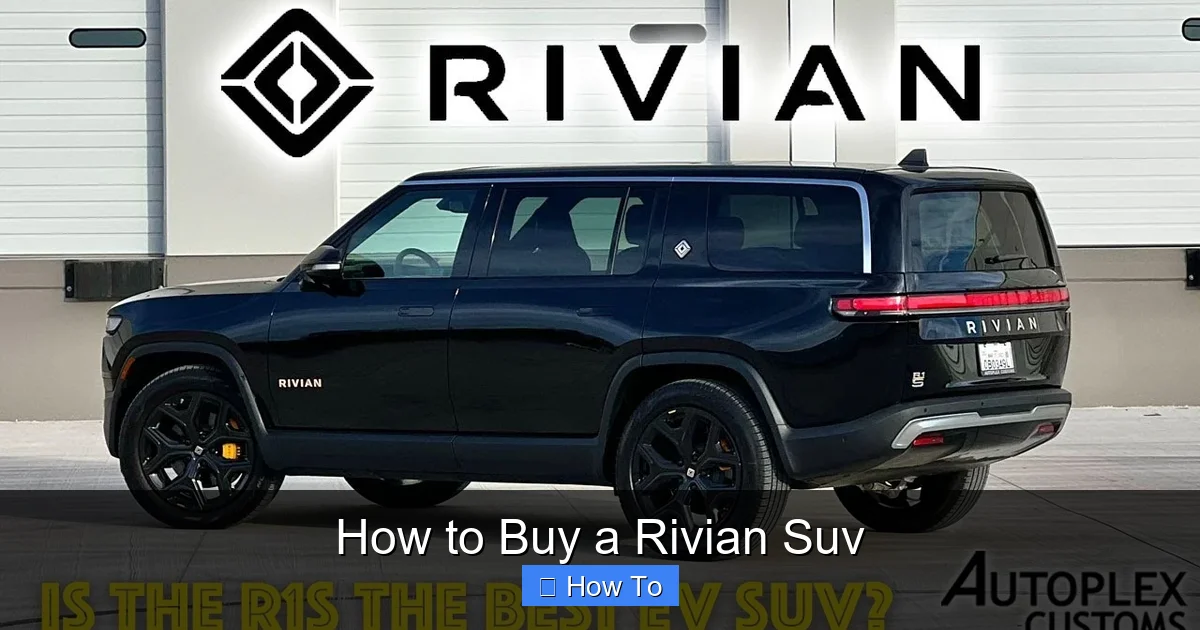
Buying a Rivian SUV is a streamlined but unique process compared to traditional car purchases. This guide walks you through researching models, configuring your vehicle, placing an order, and preparing for delivery—plus tips to maximize your ownership experience.
Key Takeaways
- Choose between the R1T pickup and R1S SUV: Both offer all-electric power, off-road capability, and advanced tech—pick based on your lifestyle needs.
- Use Rivian’s online configurator: Customize your vehicle with battery, drivetrain, color, and interior options before ordering.
- Place your order through Rivian’s website: You’ll need to create an account, select delivery preferences, and pay a refundable deposit.
- Prepare for delivery or pickup: Rivian offers home delivery or pickup at service centers—schedule in advance and inspect your vehicle thoroughly.
- Understand ownership costs: Factor in charging, maintenance, insurance, and potential tax incentives to budget accurately.
- Join the Rivian community: Access exclusive events, over-the-air updates, and owner forums for support and tips.
- Stay updated on software and recalls: Rivian frequently releases updates—keep your app and vehicle connected for the best experience.
How to Buy a Rivian SUV: A Complete Step-by-Step Guide
So, you’re ready to go electric—and not just any electric vehicle. You’re eyeing a Rivian SUV. Whether it’s the rugged R1T pickup or the family-friendly R1S seven-seater, Rivian vehicles are turning heads with their bold design, impressive range, and serious off-road chops. But buying one isn’t like walking into a dealership and driving off the lot. Rivian uses a direct-to-consumer model, which means the entire process happens online—from research to delivery.
Don’t worry, though. This guide will walk you through every step of how to buy a Rivian SUV, so you can confidently order, receive, and enjoy your new electric adventure machine. We’ll cover everything from choosing the right model to preparing for delivery and understanding ongoing ownership. Let’s get started.
Step 1: Understand Rivian’s Vehicle Lineup
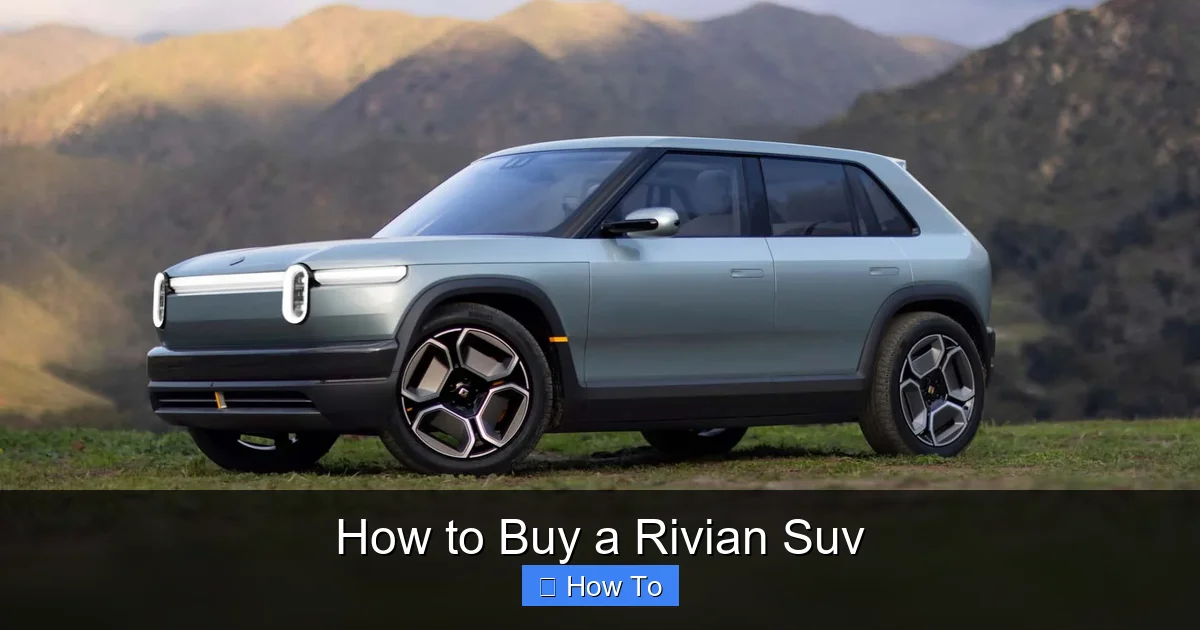
Visual guide about How to Buy a Rivian Suv
Image source: cdn.motor1.com
Before you click “order,” it’s important to know what you’re getting. Rivian currently offers two consumer vehicles: the R1T (an all-electric pickup truck) and the R1S (an all-electric SUV). Both share the same platform, battery technology, and core features, but they serve different purposes.
Rivian R1T: The Electric Adventure Truck
The R1T is perfect if you want a capable, versatile truck that can handle weekend camping trips, mountain trails, or even daily commuting. It features a quad-motor setup (one motor per wheel), up to 415 miles of range (depending on configuration), and unique storage solutions like the “gear tunnel” behind the cab.
Rivian R1S: The Family-Friendly Electric SUV
The R1S is ideal for families or anyone who needs more passenger space. It seats up to seven people and offers similar performance to the R1T, with the same drivetrain and battery options. It also includes features like a powered third row, panoramic glass roof, and ample cargo space—even with all seats in use.
Pro Tip: If you’re torn between the two, ask yourself: Do I need a truck bed for gear, or do I prioritize passenger comfort and seating? Most buyers choose the R1S for daily use and the R1T for outdoor adventures.
Step 2: Research Trim Levels and Configurations
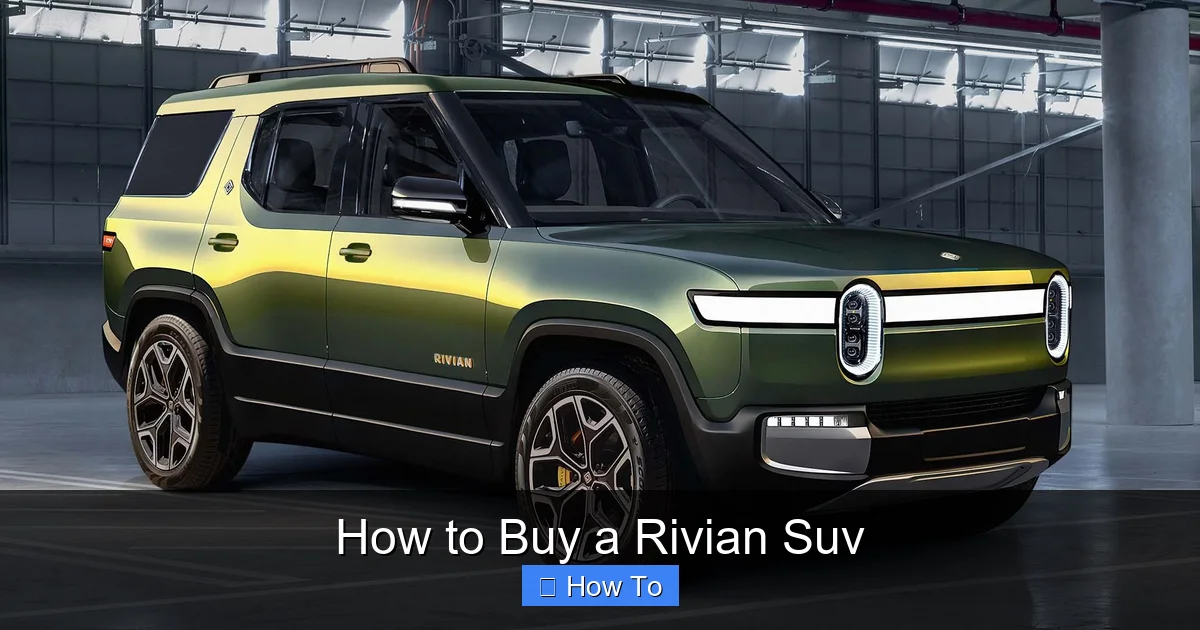
Visual guide about How to Buy a Rivian Suv
Image source: motortrend.com
Rivian offers several trim levels and customization options. Understanding these will help you pick the right setup for your needs and budget.
Trim Levels: Explore, Adventure, and Launch Edition
As of 2024, Rivian offers three main trims:
– Explore: The base model with essential features, ideal for budget-conscious buyers.
– Adventure: The most popular trim, adding premium interior materials, enhanced audio, and additional comfort features.
– Launch Edition: A limited-edition version with exclusive colors, wheels, and interior details (availability may be limited).
Key Configuration Options
When configuring your Rivian SUV, you’ll choose from several critical options:
- Battery Pack: Choose between the Standard (260–280 miles), Large (320–350 miles), or Max (400+ miles) battery. The Max pack costs more but offers the longest range.
- Drivetrain: All Rivians come with all-wheel drive, but you can choose between dual-motor (rear-biased) or quad-motor (full torque vectoring). Quad-motor offers better off-road performance.
- Exterior Color: Options include Launch Green, Compass Yellow, Launch Blue, and more. Some colors are exclusive to certain trims.
- Interior: Choose from vegan leather, open-pore wood, or recycled materials. Colors range from black to light gray or tan.
- Wheels: Select from 18” to 22” wheels, with off-road or street-focused designs.
- Additional Features: Add options like the Meridian audio system, heated steering wheel, or the Camp Kitchen (for R1T).
Example: A family of five might choose the R1S Adventure with the Large battery, quad-motor drivetrain, and tan interior for comfort and range. An outdoor enthusiast might go for the R1T with the Max battery and off-road wheels.
Step 3: Use Rivian’s Online Configurator
Once you’ve decided on a model and trim, it’s time to build your Rivian. Head to Rivian’s official website and click “Build” to access the online configurator.
How the Configurator Works
The configurator lets you visually customize your vehicle in real time. You’ll see how different colors, wheels, and interiors look on your chosen model. As you make selections, the price updates automatically.
Tips for Using the Configurator
- Start with the basics: Choose your model (R1T or R1S), then select trim, battery, and drivetrain.
- Compare range and price: Use the “Compare” feature to see how different battery sizes affect range and cost.
- Save your build: Create a Rivian account to save your configuration and return later.
- Check for promotions: Rivian occasionally offers incentives like free charging credits or accessories.
Pro Tip: The configurator also shows estimated delivery windows. Keep in mind that high-demand configurations (like the Max battery) may have longer wait times.
Step 4: Create a Rivian Account and Place Your Order
After finalizing your build, you’ll need to create a Rivian account to place your order.
Steps to Place Your Order
- Sign up or log in: Use your email to create a free Rivian account.
- Review your configuration: Double-check all options, pricing, and delivery estimates.
- Choose delivery method: Select home delivery or pickup at a Rivian service center.
- Enter contact and payment info: Provide your address, phone number, and payment method.
- Pay the deposit: Rivian requires a $1,000 refundable deposit to secure your order. This is charged immediately.
- Confirm your order: You’ll receive an email confirmation with your order number and next steps.
What Happens After You Order?
Once your order is placed, Rivian will assign a delivery window (usually 2–6 months, depending on configuration and location). You’ll receive regular updates via email and the Rivian app.
Important: The deposit is refundable if you cancel before production begins. After that, cancellation may result in a fee.
Step 5: Prepare for Delivery
Delivery day is exciting—but it’s also important to be prepared. Rivian offers two delivery options: home delivery or pickup at a service center.
Home Delivery
Rivian will bring your vehicle directly to your home or a location of your choice. A Rivian specialist will walk you through the vehicle, demonstrate key features, and help you set up the app.
Pickup at a Service Center
If you prefer, you can pick up your Rivian at one of Rivian’s service centers. This option lets you meet the team, ask questions, and take a test drive if desired.
Delivery Day Checklist
- Inspect the vehicle: Check for scratches, dents, or missing features before signing off.
- Test all functions: Turn on the lights, test the infotainment system, and open all doors and compartments.
- Review the owner’s manual: Familiarize yourself with charging, maintenance, and safety features.
- Download the Rivian app: This app lets you lock/unlock, start the climate, and monitor charging remotely.
- Ask questions: The delivery specialist is there to help—don’t hesitate to ask about features or charging.
Pro Tip: Schedule your delivery during daylight hours for better visibility during the inspection.
Step 6: Understand Ownership Costs and Incentives
Buying a Rivian SUV is just the beginning. To budget effectively, consider ongoing costs and potential savings.
Charging Costs
Rivian vehicles can be charged at home using a Level 2 charger (recommended) or at public stations. Home charging is the most cost-effective option.
- Home charging: Install a Rivian Wall Charger (sold separately) or use a compatible third-party charger. Electricity costs vary by region—expect $10–$20 for a full charge.
- Public charging: Use networks like Electrify America or Tesla Superchargers (with an adapter). Rivian offers free charging at certain locations for early owners.
Maintenance and Repairs
Electric vehicles require less maintenance than gas cars—no oil changes, spark plugs, or exhaust systems. However, you’ll still need:
- Tire rotations and replacements
- Brake fluid checks
- Software updates (done over-the-air)
- Annual inspections (depending on your state)
Rivian offers mobile service for many repairs, where a technician comes to your location.
Insurance
Insurance for a Rivian SUV can be higher than average due to the vehicle’s value and advanced technology. Shop around and consider bundling with home or renters insurance for discounts.
Tax Incentives and Rebates
Depending on your location, you may qualify for federal, state, or local incentives:
- Federal tax credit: Up to $7,500 for new EVs (check IRS guidelines for eligibility).
- State rebates: Some states offer additional rebates (e.g., California’s Clean Vehicle Rebate Project).
- Utility incentives: Certain electric companies offer rebates for home charger installation.
Note: Incentives change frequently—check with a tax professional or Rivian’s website for the latest info.
Step 7: Join the Rivian Community
One of the perks of owning a Rivian is joining a passionate community of adventurers and EV enthusiasts.
Rivian App and Owner Portal
The Rivian app lets you:
- Monitor battery level and charging status
- Precondition the cabin (heat or cool before driving)
- Find nearby charging stations
- Schedule service appointments
- Access owner forums and events
Owner Events and Adventures
Rivian hosts exclusive events like off-road drives, camping trips, and product launches. These are great opportunities to meet other owners and test your vehicle’s capabilities.
Over-the-Air Updates
Rivian regularly releases software updates that add new features, improve performance, and fix bugs—all without visiting a service center.
Troubleshooting Common Issues
While Rivian vehicles are reliable, you might encounter a few hiccups. Here’s how to handle them:
Delivery Delays
If your delivery is delayed, check your Rivian app for updates. Delays are common due to high demand or supply chain issues. Contact Rivian support if you don’t hear anything for weeks.
Charging Problems
If your vehicle won’t charge:
- Check the charging cable and port for damage
- Ensure the charger is compatible and properly connected
- Restart the vehicle and try again
- Contact Rivian support or use the mobile service app
App Connectivity Issues
If the Rivian app isn’t connecting:
- Restart your phone and the app
- Ensure your vehicle has cellular signal
- Update the app to the latest version
- Reset the vehicle’s infotainment system (hold power button for 10 seconds)
Conclusion
Buying a Rivian SUV is a modern, tech-forward experience that puts you in control from start to finish. By following this guide, you’ve learned how to research models, configure your vehicle, place an order, prepare for delivery, and manage ownership costs.
Remember, the Rivian journey doesn’t end when you drive off—it’s just beginning. With over-the-air updates, a supportive community, and a vehicle built for adventure, your Rivian SUV will keep evolving with you.
So go ahead—click that “Build” button, customize your dream ride, and get ready to explore the world in electric style.