
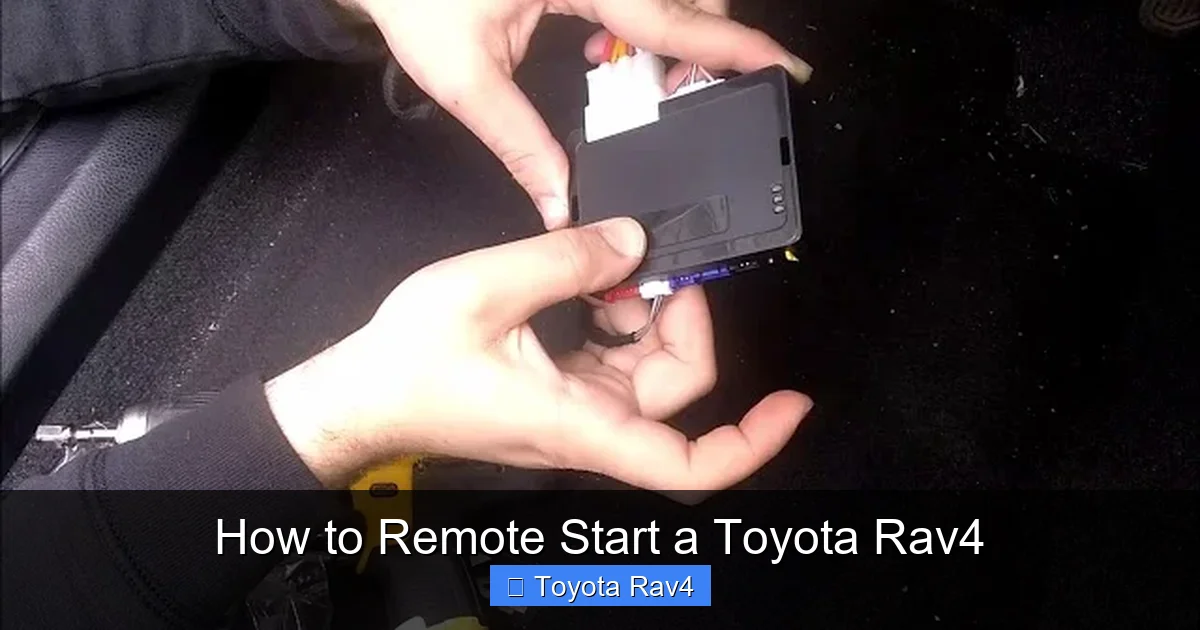
Remote starting your Toyota RAV4 lets you warm up the engine, heat or cool the cabin, and defrost windows before you even get in—perfect for extreme weather. This guide covers everything from compatible models and setup steps to troubleshooting common issues, so you can use this convenient feature safely and effectively.
Key Takeaways
- Not all RAV4 models support remote start natively: Only certain trims and model years (typically 2019 and newer) include factory-installed remote start or support it via the Toyota app.
- Use the Toyota app for keyless remote start: The Toyota Connected Services app allows you to start your RAV4 from your smartphone, provided you have an active subscription and compatible vehicle.
- Key fob remote start requires a three-button sequence: On eligible models, press the lock button, then hold the remote start button (usually marked with a circular arrow) for a few seconds.
- Remote start has safety and timing limits: The engine runs for 10 minutes by default and will shut off if doors are opened, the hood is unlatched, or the brake pedal is pressed without a key present.
- Aftermarket systems offer alternatives: If your RAV4 doesn’t support factory remote start, professional installation of an aftermarket system can add the feature safely.
- Check your owner’s manual first: Always verify your specific model’s capabilities and procedures to avoid damaging your vehicle or voiding warranties.
- Extreme temperatures affect performance: In very cold or hot climates, remote start works best when the vehicle is parked in a garage or shaded area to protect the battery and engine.
📑 Table of Contents
- Why Remote Start Matters for Your Toyota RAV4
- Which Toyota RAV4 Models Support Remote Start?
- How to Remote Start Your RAV4 Using the Key Fob
- Remote Start via the Toyota App: Setup and Use
- Aftermarket Remote Start Options for Older RAV4s
- Troubleshooting Common Remote Start Issues
- Best Practices for Safe and Effective Remote Start
- Conclusion
Why Remote Start Matters for Your Toyota RAV4
Imagine stepping out of your house on a freezing winter morning and walking into a warm, toasty Toyota RAV4—engine running, seats heated, and windshield clear of ice. Or picture a scorching summer day when you want your SUV’s air conditioning blasting before you even open the door. That’s the magic of remote start, and it’s one of the most convenient features modern vehicles offer.
The Toyota RAV4, known for its reliability, fuel efficiency, and rugged versatility, has increasingly embraced smart technology in recent years. While not every RAV4 comes with remote start standard, many newer models—especially higher trims like the XLE Premium, Limited, and Adventure—include this feature either built-in or accessible through the Toyota app. Whether you’re preparing for a long commute, a weekend adventure, or just want a more comfortable drive, knowing how to remote start your RAV4 can make a big difference in your daily routine.
But here’s the catch: the process isn’t always the same across all model years and trims. Some RAV4s use a physical key fob with a dedicated remote start button, while others rely entirely on smartphone connectivity. And if your vehicle doesn’t support it out of the box? Don’t worry—there are still options. This guide will walk you through every scenario, so no matter what year or trim your RAV4 is, you’ll know exactly how to get it started from a distance.
Which Toyota RAV4 Models Support Remote Start?
Before you try to remote start your RAV4, it’s essential to confirm whether your specific model supports the feature. Toyota has gradually expanded remote start availability, but it’s not universal—even among recent models.
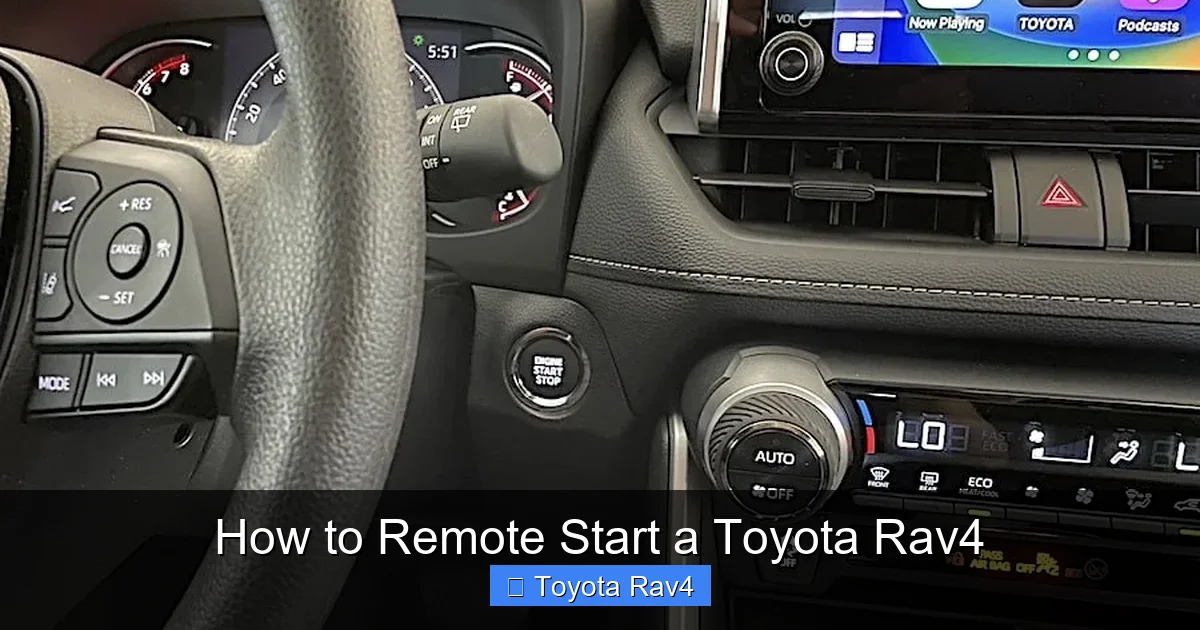
Visual guide about How to Remote Start a Toyota Rav4
Image source: rav4hub.com
Factory-Equipped Remote Start (2019–2024 Models)
Starting with the 2019 redesign, many Toyota RAV4 trims began offering remote start as either standard or optional equipment. Generally, higher trims like the XLE Premium, Limited, and TRD Off-Road include factory-installed remote start capabilities. These vehicles typically come with a key fob that has a dedicated remote start button—often labeled with a circular arrow or “START” icon.
For example, a 2022 RAV4 Limited with the Premium Audio package will likely support both key fob and app-based remote start. However, a base LE trim from the same year might not, even if it’s technically possible to add it later.
App-Based Remote Start via Toyota Connected Services
Since 2020, Toyota has leaned heavily into connected car technology. If your RAV4 is equipped with Toyota’s multimedia system (version 8.0 or higher), you may be able to use the Toyota app to remote start your vehicle—no extra hardware needed.
This feature requires an active subscription to Toyota Connected Services, which includes remote start, door lock/unlock, vehicle status alerts, and more. The app works over cellular networks, so you can start your RAV4 from miles away, as long as your phone has signal and your vehicle is within range of a cellular tower.
Hybrid and Prime Models
Good news for hybrid owners: most RAV4 Hybrid and RAV4 Prime models (2021 and newer) support remote start via the Toyota app. Because these vehicles use electric motors and regenerative braking, they’re especially well-suited for climate pre-conditioning without excessive fuel consumption.
In fact, the RAV4 Prime can run its climate system using battery power alone for short periods, making remote start even more efficient. Just remember that extended remote start in electric mode may drain the high-voltage battery, so Toyota limits runtime accordingly.
Older Models (Pre-2019)
If you drive a 2018 or earlier RAV4, chances are your vehicle doesn’t have factory remote start. These older models lack the necessary wiring and software integration. However, that doesn’t mean you’re out of luck—aftermarket solutions exist (we’ll cover those later).
How to Remote Start Your RAV4 Using the Key Fob
If your RAV4 came with a key fob that has a remote start button, you’re in luck—this is the simplest method. The process is quick, reliable, and doesn’t require a smartphone or subscription.
Step-by-Step Key Fob Remote Start
Follow these steps carefully to avoid accidental activation or system errors:
- Ensure the vehicle is locked: Your RAV4 must be fully locked (doors, tailgate, and hood) before remote start will work. If any door is ajar, the system won’t engage.
- Stand within range: You’ll need to be within about 80–100 feet of your vehicle. Thick walls, metal structures, or interference from other electronics can reduce this range.
- Press the lock button once: This confirms the vehicle is secure and prepares the system for remote start.
- Press and hold the remote start button: Look for the button with a circular arrow or “START” label. Hold it for 2–3 seconds until the hazard lights flash once.
- Wait for confirmation: The engine should start within a few seconds. You’ll see the dashboard lights illuminate, and the hazard lights may flash again to confirm.
Once started, the engine will run for 10 minutes by default. You can extend this by repeating the remote start sequence (up to two additional times, for a maximum of 30 minutes). After that, the engine will shut off automatically unless you enter the vehicle and press the brake pedal with the key fob present.
Safety Features and Limitations
Toyota designed remote start with safety in mind. Here’s what happens if something goes wrong:
- Engine shuts off if a door opens: If any door (including the tailgate) is opened while the engine is running remotely, it will stop immediately to prevent unauthorized access.
- Hood sensor activation: If the hood is unlatched, remote start won’t work—this prevents tampering or maintenance issues.
- Low fuel warning: If your fuel level drops below a certain threshold (usually around 1/4 tank), the system may disable remote start to avoid stalling.
- Brake pedal requirement: To drive the vehicle after remote start, you must press the brake pedal while the key fob is inside. This ensures the driver is authorized.
Tips for Best Results
To get the most out of key fob remote start:
- Always park in a well-ventilated area—never in an enclosed garage—to avoid carbon monoxide buildup.
- Use remote start in moderation to preserve battery life and reduce unnecessary engine wear.
- If the engine doesn’t start, check your key fob battery—weak signals are a common cause of failure.
- In extreme cold, consider using a block heater in addition to remote start for faster warm-up.
Remote Start via the Toyota App: Setup and Use
For RAV4 owners with compatible models, the Toyota app offers a modern, convenient way to start your vehicle from anywhere. Whether you’re at the office, grocery shopping, or on vacation, you can pre-condition your cabin with just a few taps.
Prerequisites for App-Based Remote Start
Before you can use the app, make sure you meet these requirements:
- Your RAV4 must be a 2020 or newer model with Toyota’s latest multimedia system.
- You need an active Toyota Connected Services subscription (usually included free for the first 2–3 years).
- Your vehicle must be registered in the app and linked to your Toyota account.
- Your smartphone must have internet access (Wi-Fi or cellular data).
How to Set Up the Toyota App
Setting up the app is straightforward:
- Download the “Toyota” app from the Apple App Store or Google Play.
- Create or log in to your Toyota account.
- Tap “Add Vehicle” and enter your VIN (found on your dashboard or registration).
- Follow the on-screen prompts to verify ownership and activate services.
- Once linked, you’ll see your RAV4 in the app dashboard.
After setup, you can access remote start, lock/unlock doors, check fuel level, locate your vehicle, and even schedule service appointments—all from your phone.
Using Remote Start in the App
To start your RAV4 remotely:
- Open the Toyota app and select your vehicle.
- Tap the “Remote Start” button (usually represented by a car icon with a power symbol).
- Confirm the action when prompted.
- Wait 10–15 seconds for the command to reach your vehicle.
- You’ll receive a notification when the engine starts successfully.
The app also lets you set climate preferences—choose between “Last Used,” “Cool,” “Heat,” or “Defrost”—so your cabin is ready exactly how you like it.
Subscription and Cost Considerations
While the first few years of Toyota Connected Services are often free, you’ll need to pay for a subscription afterward. As of 2024, plans start around $8–$10 per month or $80–$100 annually. This includes remote start, safety alerts, roadside assistance, and more.
If you only want remote start, consider whether the cost is worth it. For frequent users in extreme climates, the convenience may justify the expense. But if you rarely use the feature, a one-time aftermarket installation might be more economical.
Aftermarket Remote Start Options for Older RAV4s
If your RAV4 doesn’t support factory remote start, don’t despair. Aftermarket systems can add this functionality safely and effectively—often for less than the cost of a multi-year app subscription.
Popular Aftermarket Brands
Several reputable brands offer plug-and-play or professionally installed remote start kits compatible with Toyota vehicles:
- Viper SmartStart: Offers smartphone control via app, two-way feedback, and GPS tracking. Requires professional installation.
- Compustar: Known for reliability and long-range remotes (up to 3,000 feet). Some models support app integration.
- Fortin: Specializes in OEM-integrated systems that work seamlessly with factory key fobs and security.
- Avital: Budget-friendly option with basic remote start and security features.
Installation Process
Aftermarket remote start should always be installed by a certified technician. Here’s what to expect:
- Vehicle inspection: The installer checks your RAV4’s electrical system, immobilizer, and compatibility.
- Wiring integration: The system connects to the ignition, door locks, and security modules without cutting factory wires.
- Programming: The remote or app is synced with your vehicle’s computer.
- Testing: The technician verifies remote start, lock/unlock, and safety features work correctly.
Most installations take 2–4 hours and cost between $200 and $500, depending on the system and labor rates.
Pros and Cons of Aftermarket Systems
Pros:
- Adds remote start to older or base-model RAV4s.
- Often more affordable than long-term app subscriptions.
- Some systems offer extra features like GPS tracking and smartphone alerts.
Cons:
- May void certain parts of your warranty (check with your dealer).
- Requires professional installation—DIY attempts can damage electronics.
- Less seamless than factory systems (e.g., may not integrate with climate presets).
Troubleshooting Common Remote Start Issues
Even with the right setup, remote start can sometimes fail. Here’s how to diagnose and fix the most common problems.
Engine Won’t Start Remotely
If your RAV4 doesn’t respond to remote start commands, check these potential causes:
- Low key fob battery: Replace the CR2032 battery in your fob. A weak signal is the #1 cause of failure.
- Vehicle not fully locked: Ensure all doors, the tailgate, and hood are securely closed.
- Low fuel: Most systems disable remote start if fuel is below 1/4 tank.
- Faulty hood sensor: A misaligned or damaged hood latch sensor can prevent activation.
- App connectivity issues: Restart the Toyota app, check your internet connection, or re-login to your account.
Engine Starts but Shuts Off Immediately
This usually indicates a safety override:
- Check if any door is ajar—even slightly.
- Verify the hood is fully latched.
- Ensure the brake pedal isn’t pressed (if someone is near the vehicle).
- In hybrid models, the system may shut off if the high-voltage battery is low.
Remote Start Works Intermittently
Intermittent issues often stem from signal interference or software glitches:
- Move away from buildings, garages, or electronic devices that may block signals.
- Update the Toyota app to the latest version.
- Reset the vehicle’s multimedia system by disconnecting the battery for 10 minutes (consult your manual first).
Climate Settings Don’t Activate
If the engine starts but the AC or heater doesn’t turn on:
- Make sure “Last Used” or a specific climate mode is selected in the app.
- In cold weather, the system may prioritize engine warm-up over cabin heating.
- Check if the cabin air filter is clogged—restricted airflow can reduce heating/cooling efficiency.
Best Practices for Safe and Effective Remote Start
Remote start is a powerful tool, but it should be used responsibly. Follow these best practices to protect your vehicle, your safety, and others.
Never Remote Start in an Enclosed Space
Carbon monoxide is a silent killer. Never use remote start in a garage—even with the door open—unless the vehicle is equipped with a CO detector that automatically shuts off the engine. Always park in open, well-ventilated areas.
Limit Runtime in Extreme Temperatures
In very cold weather, avoid running the engine for more than 10–15 minutes at a time. Extended idling can cause oil dilution, increased emissions, and unnecessary wear. Use a block heater for faster warm-up.
In hot climates, remote start is safer since the engine isn’t under load, but prolonged AC use can drain the battery. Park in shade or use a sunshade to reduce cabin heat buildup.
Keep Your Key Fob Secure
Never leave your key fob inside the vehicle when using remote start. If you do, the engine will shut off when you try to drive, leaving you stranded. Always carry the fob with you.
Monitor Subscription Status
If you rely on the Toyota app, set a reminder to renew your Connected Services subscription. Lapsed subscriptions disable remote features until payment is restored.
Educate Family Members
Make sure everyone who drives your RAV4 knows how remote start works—and its limitations. Teach them not to press the brake pedal or open doors while the engine is running remotely.
Conclusion
Remote starting your Toyota RAV4 is more than just a luxury—it’s a practical feature that enhances comfort, safety, and convenience. Whether you use the key fob, the Toyota app, or an aftermarket system, the ability to pre-condition your cabin and warm up your engine from a distance makes every drive better.
While not all RAV4 models support remote start out of the box, the options are broader than ever. From factory-equipped trims to smartphone connectivity and professional aftermarket installations, there’s a solution for nearly every driver. Just remember to follow safety guidelines, maintain your equipment, and use the feature wisely.
So the next time you’re facing a frosty morning or a sweltering afternoon, you’ll know exactly how to remote start your Toyota RAV4—and step into a perfectly prepared vehicle every time.
Frequently Asked Questions
Can I remote start my 2018 Toyota RAV4?
The 2018 RAV4 does not support factory remote start. However, you can install an aftermarket remote start system through a certified technician to add this feature.
Does remote start work if my phone has no service?
No, the Toyota app requires an internet connection (cellular or Wi-Fi) to send commands to your vehicle. If you’re in a dead zone, the command won’t go through.
How long does the RAV4 run when remote started?
By default, the engine runs for 10 minutes. You can extend it up to two more times (30 minutes total) by repeating the remote start sequence.
Will remote start drain my battery?
Occasional use won’t significantly drain the battery, but frequent or prolonged remote starts—especially in cold weather—can reduce battery life over time. Use it in moderation.
Can I remote start my RAV4 Hybrid?
Yes, most RAV4 Hybrid models (2021 and newer) support remote start via the Toyota app. The system uses battery power for climate control when possible.
Is remote start covered under warranty?
Factory remote start is covered under your vehicle’s warranty. Aftermarket systems may affect certain components, so consult your dealer before installation.