
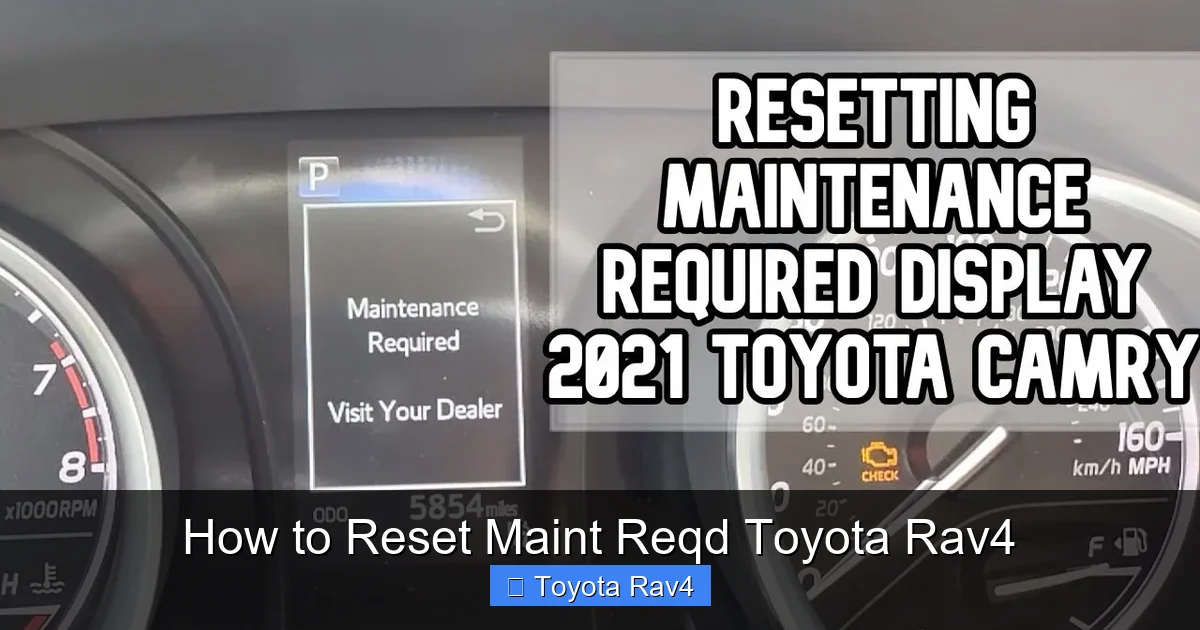
Resetting the Maint Reqd light on your Toyota RAV4 is simple and takes just a few minutes. Whether you’ve completed an oil change or routine service, this guide walks you through the process for every RAV4 generation—no special tools required.
If you’ve recently changed your oil, rotated your tires, or completed any routine maintenance on your Toyota RAV4, you’ve probably noticed that little “Maint Reqd” light still glowing on your dashboard. Don’t worry—it’s not a cause for alarm. This light isn’t signaling a mechanical problem. Instead, it’s simply reminding you that your vehicle is due (or overdue) for scheduled maintenance based on the distance you’ve driven or the time that’s passed since the last service.
The good news? Resetting the Maint Reqd light on your Toyota RAV4 is quick, easy, and something you can do yourself—no mechanic visit or expensive diagnostic tool required. Whether you drive a rugged first-generation RAV4 from the early 2000s or a sleek, tech-packed 2024 model, the process is straightforward once you know the right steps. In this guide, we’ll walk you through everything you need to know, from understanding what the light means to performing the reset on any RAV4 generation. We’ll also share practical tips to help you stay on top of your vehicle’s maintenance schedule and keep your SUV running like new for years to come.
Key Takeaways
- Understand what “Maint Reqd” means: It’s a maintenance reminder, not a warning light—it alerts you when scheduled service is due based on mileage or time.
- Reset method varies by model year: Older RAV4s (2001–2012) use a physical trip button, while newer models (2013–present) rely on the multi-information display and steering wheel controls.
- Always reset after service: Failing to reset the light won’t harm your vehicle, but it can cause confusion about when your next service is due.
- No OBD2 scanner needed: Unlike some warning lights, the Maint Reqd indicator can be reset manually without diagnostic tools.
- Double-check your owner’s manual: Toyota occasionally updates procedures, so verify steps specific to your RAV4’s year and trim.
- Use genuine parts for best results: While not required for the reset, using Toyota-recommended fluids and filters ensures optimal performance between services.
- Keep a service log: Note the date and mileage when you reset the light to stay on top of future maintenance.
📑 Table of Contents
What Does “Maint Reqd” Mean on a Toyota RAV4?
The “Maint Reqd” light—short for “Maintenance Required”—is part of Toyota’s Intelligent Maintenance System. Unlike warning lights such as the Check Engine or Oil Pressure indicators, this light doesn’t signal an immediate mechanical issue. Instead, it’s a proactive reminder designed to help you stay consistent with your vehicle’s scheduled service intervals.
Toyota’s system tracks two key factors: mileage and time. Most RAV4 models are programmed to trigger the Maint Reqd light every 5,000 miles or six months, whichever comes first. This aligns with Toyota’s recommended maintenance schedule, which includes tasks like oil and filter changes, tire rotations, brake inspections, and fluid top-offs. The idea is simple: regular maintenance prevents bigger, costlier problems down the road.
It’s important to note that the Maint Reqd light is not tied to your vehicle’s actual condition. Even if your oil looks clean and your engine runs smoothly, the light will still illuminate based on the preset interval. That’s why it’s crucial to reset it after each service—otherwise, you might miss your next scheduled maintenance window or confuse the light with a more serious warning.
How the System Works
Toyota’s maintenance reminder system uses a combination of the vehicle’s odometer reading and an internal timer. Once the system detects that you’ve reached the 5,000-mile or six-month threshold, it activates the Maint Reqd light on your dashboard. The light will remain on until you manually reset it, even if you’ve already completed the service.
This system is designed to be user-friendly and doesn’t require any special equipment to reset. However, the exact steps vary depending on your RAV4’s model year and dashboard configuration. Older models use a physical trip reset button, while newer ones rely on digital menus accessed through the steering wheel controls and multi-information display.
Why You Should Reset It
While ignoring the Maint Reqd light won’t damage your vehicle, failing to reset it can lead to confusion. For example, if you reset it after an oil change at 30,000 miles but don’t reset it again at 35,000 miles, the light will stay on—even if you’ve already serviced the car. This can make it harder to track when your next service is due, especially if you’re not keeping a written log.
Additionally, some drivers worry that the light indicates a problem. By resetting it promptly, you avoid unnecessary stress and ensure that your maintenance schedule remains accurate. It’s a small step that makes a big difference in staying organized and proactive about your RAV4’s care.
How to Reset Maint Reqd on Older Toyota RAV4 Models (2001–2012)
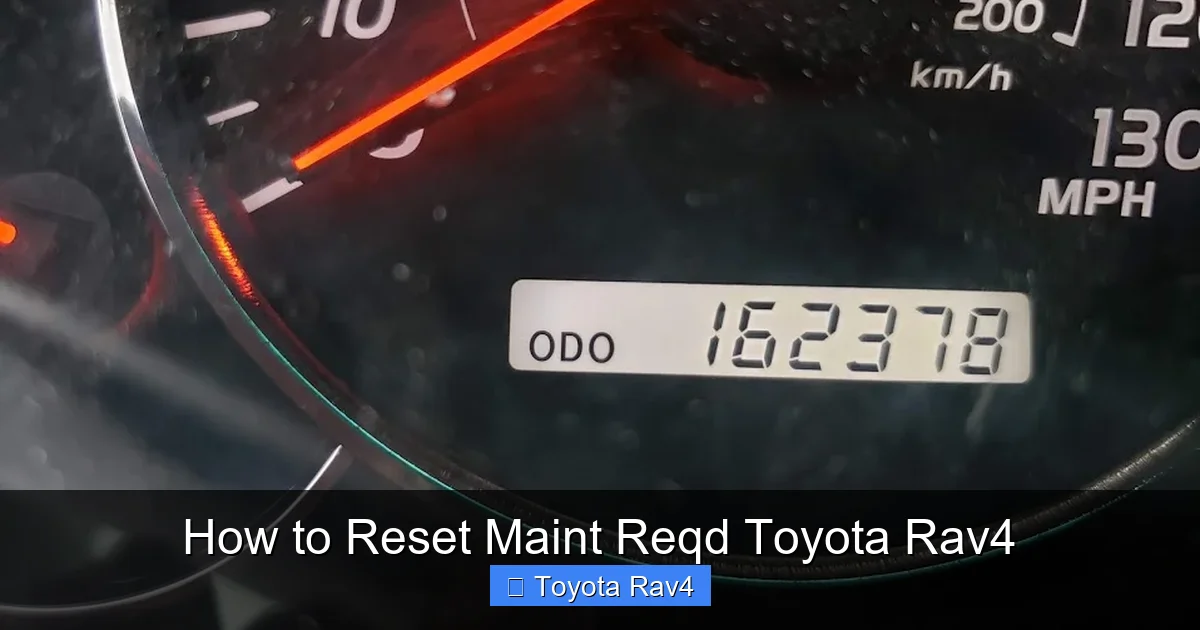
Visual guide about How to Reset Maint Reqd Toyota Rav4
Image source: rskelton.com
If you drive a first- or second-generation Toyota RAV4 (produced between 2001 and 2012), resetting the Maint Reqd light is a simple process that involves the trip meter button on your dashboard. These models don’t have advanced digital displays, so the reset is done manually using a physical button.
Step-by-Step Guide for 2001–2012 RAV4
Follow these steps to reset the Maint Reqd light on older RAV4 models:
1. **Turn the ignition to the “ON” position.**
You don’t need to start the engine—just turn the key to the second position (where the dashboard lights up). If your RAV4 has a push-button start, press the “Start” button twice without pressing the brake pedal.
2. **Locate the trip meter button.**
This is usually a small button on the instrument cluster, often labeled “TRIP” or “ODO/TRIP.” It’s typically located near the speedometer or tachometer.
3. **Press and hold the trip button.**
While holding the button, watch the odometer or trip display. It should switch between different modes (e.g., total mileage, trip A, trip B).
4. **Continue holding until the Maint Reqd light blinks and turns off.**
After about 5–10 seconds, the Maint Reqd light should flash and then disappear. This indicates that the maintenance reminder has been reset.
5. **Release the button and turn off the ignition.**
Once the light is off, you can turn the key back to the “OFF” position or press the “Start” button once to shut down the vehicle.
Tips for Success
– Make sure the ignition is on but the engine is off. Starting the engine can interrupt the reset process.
– If the light doesn’t turn off, try repeating the steps. Sometimes it takes a second attempt.
– Keep your owner’s manual handy—some older RAV4 models may have slight variations in the procedure.
Common Issues and Fixes
If the Maint Reqd light doesn’t reset, don’t panic. Here are a few troubleshooting tips:
– **Check the battery:** A weak or dying battery can interfere with the reset process. Try jump-starting the vehicle or replacing the battery if needed.
– **Ensure the button is working:** If the trip button feels loose or unresponsive, it may be worn out. In rare cases, the button may need replacement.
– **Verify the ignition position:** Make sure you’re in the “ON” position, not “ACC” or “OFF.” The dashboard should be fully lit.
How to Reset Maint Reqd on Newer Toyota RAV4 Models (2013–Present)
Starting with the third-generation RAV4 (2013 and newer), Toyota introduced a more advanced dashboard system with a multi-information display (MID). These models use digital menus accessed via steering wheel controls, making the reset process a bit more involved but still user-friendly.
Step-by-Step Guide for 2013–Present RAV4
Here’s how to reset the Maint Reqd light on newer RAV4 models:
1. **Turn the ignition to the “ON” position.**
As with older models, you don’t need to start the engine. Just turn the key or press the “Start” button twice (without pressing the brake).
2. **Navigate to the “Settings” menu.**
Use the arrow buttons on the left side of your steering wheel to scroll through the menu options on the MID. Look for “Settings” or “Vehicle Settings.”
3. **Select “Maintenance” or “Maintenance Reset.”**
Once in the settings menu, find the maintenance option. It may be labeled “Maintenance,” “Service,” or “Reset Maintenance Light.”
4. **Confirm the reset.**
The system will ask if you want to reset the maintenance reminder. Use the “OK” or “Enter” button to confirm. The Maint Reqd light should turn off immediately.
5. **Exit the menu and turn off the ignition.**
Once the light is off, you can exit the menu and turn off the vehicle.
Model-Specific Variations
While the general process is similar across newer RAV4 models, there are slight differences depending on the year and trim level:
– **2013–2018 RAV4:** The menu may be labeled “Vehicle Settings” or “Maintenance.” Use the “DISP” button to access the menu if the steering wheel controls don’t work.
– **2019–2024 RAV4:** These models often have a more intuitive interface. The maintenance reset option is usually found under “Settings” > “Maintenance” > “Reset.”
– **Hybrid Models:** The process is identical to gasoline models. There’s no separate procedure for hybrid RAV4s.
Tips for Success
– If you can’t find the maintenance option, consult your owner’s manual. The menu layout can vary slightly between model years.
– Make sure the vehicle is in “Park” and the parking brake is engaged before starting the reset.
– If the light doesn’t turn off, try restarting the vehicle and repeating the steps.
When to Reset the Maint Reqd Light
Knowing when to reset the Maint Reqd light is just as important as knowing how to do it. The light is designed to remind you of scheduled maintenance, so it should be reset every time you complete a service that aligns with Toyota’s recommended intervals.
Standard Maintenance Intervals
Toyota recommends the following maintenance schedule for most RAV4 models:
– **Every 5,000 miles or 6 months:** Oil and filter change, tire rotation, brake inspection, fluid top-off.
– **Every 15,000 miles:** Cabin air filter replacement, brake fluid check.
– **Every 30,000 miles:** Engine air filter replacement, transmission fluid inspection.
– **Every 60,000 miles:** Spark plug replacement, coolant replacement.
The Maint Reqd light typically triggers at the 5,000-mile mark, but it’s important to follow the full schedule to keep your RAV4 in top condition.
After DIY vs. Professional Service
Whether you perform the maintenance yourself or take your RAV4 to a dealership or independent mechanic, you should reset the Maint Reqd light after each service. If you’re doing the work yourself, reset the light as soon as you’re done. If you’re using a professional service, ask them to reset it—most reputable shops will do this as part of their standard procedure.
Keeping a Maintenance Log
To stay on top of your RAV4’s maintenance, keep a simple log that includes:
– Date of service
– Mileage at the time of service
– Type of service performed (e.g., oil change, tire rotation)
– Name of the service provider (if applicable)
This log will help you track when your next service is due and ensure that you never miss an important maintenance task.
Common Mistakes to Avoid
Even though resetting the Maint Reqd light is simple, there are a few common mistakes that can cause confusion or frustration.
Resetting Too Early
One of the most common errors is resetting the light before completing the required maintenance. For example, if you reset the light at 30,000 miles but haven’t changed the oil yet, you might forget to do it until 35,000 miles—or later. Always complete the service first, then reset the light.
Ignoring the Light Altogether
Some drivers assume the Maint Reqd light is just a suggestion and ignore it completely. While it’s not a critical warning, skipping regular maintenance can lead to reduced fuel efficiency, engine wear, and costly repairs down the line.
Using the Wrong Procedure
Using the wrong reset method for your RAV4’s model year is another common mistake. For example, trying to use the trip button method on a 2020 RAV4 won’t work—you need to use the digital menu instead. Always verify the correct procedure for your specific vehicle.
Not Checking the Owner’s Manual
Toyota occasionally updates the reset procedure, so relying on outdated instructions can lead to confusion. Your owner’s manual is the most reliable source of information for your RAV4’s specific model and year.
Why Regular Maintenance Matters
Resetting the Maint Reqd light is more than just a chore—it’s a reminder to take care of your vehicle. Regular maintenance is essential for keeping your Toyota RAV4 running smoothly, efficiently, and safely.
Benefits of Staying on Schedule
– **Improved fuel economy:** Clean oil and properly inflated tires help your engine run more efficiently.
– **Longer engine life:** Regular oil changes reduce wear and tear on internal components.
– **Better safety:** Brake inspections and tire rotations ensure your vehicle stops and handles properly.
– **Higher resale value:** A well-maintained RAV4 with a complete service history will command a higher price when it’s time to sell or trade in.
DIY vs. Professional Maintenance
While some maintenance tasks—like oil changes and tire rotations—can be done at home, others may require professional tools and expertise. For example, transmission fluid changes and brake system inspections are best left to certified technicians. Regardless of who performs the service, always reset the Maint Reqd light to keep your maintenance schedule on track.
Conclusion
Resetting the Maint Reqd light on your Toyota RAV4 is a quick and easy task that ensures you stay on top of your vehicle’s maintenance schedule. Whether you drive an older model with a trip button or a newer one with a digital menu, the process is straightforward and takes just a few minutes. By understanding what the light means, following the correct reset procedure, and keeping a maintenance log, you can keep your RAV4 running smoothly for years to come.
Remember, the Maint Reqd light is there to help you—not hassle you. Use it as a reminder to take care of your SUV, and don’t forget to reset it after every service. With a little attention and regular maintenance, your Toyota RAV4 will continue to deliver the reliability, comfort, and performance you’ve come to expect.
Frequently Asked Questions
Can I drive my RAV4 with the Maint Reqd light on?
Yes, you can safely drive your RAV4 with the Maint Reqd light on. It’s a maintenance reminder, not a warning of immediate danger. However, it’s best to schedule service soon to keep your vehicle in optimal condition.
Will the Maint Reqd light reset itself after an oil change?
No, the light will not reset automatically. You must manually reset it using the steps outlined in your owner’s manual or this guide, regardless of who performs the service.
What if the Maint Reqd light won’t turn off after resetting?
If the light remains on, double-check that you followed the correct procedure for your model year. If it still won’t reset, there may be an issue with the vehicle’s computer or sensor—consult a Toyota technician.
Does the Maint Reqd light affect my warranty?
No, the light itself doesn’t affect your warranty. However, failing to perform required maintenance could void certain warranty claims, so keep records of all services.
Can I reset the light without turning on the ignition?
No, the ignition must be in the “ON” position for the reset to work. The vehicle’s electrical system needs to be active to communicate with the maintenance reminder system.
Is the reset process the same for hybrid RAV4 models?
Yes, the reset process is identical for both gasoline and hybrid Toyota RAV4 models. The procedure depends on the model year, not the powertrain.