
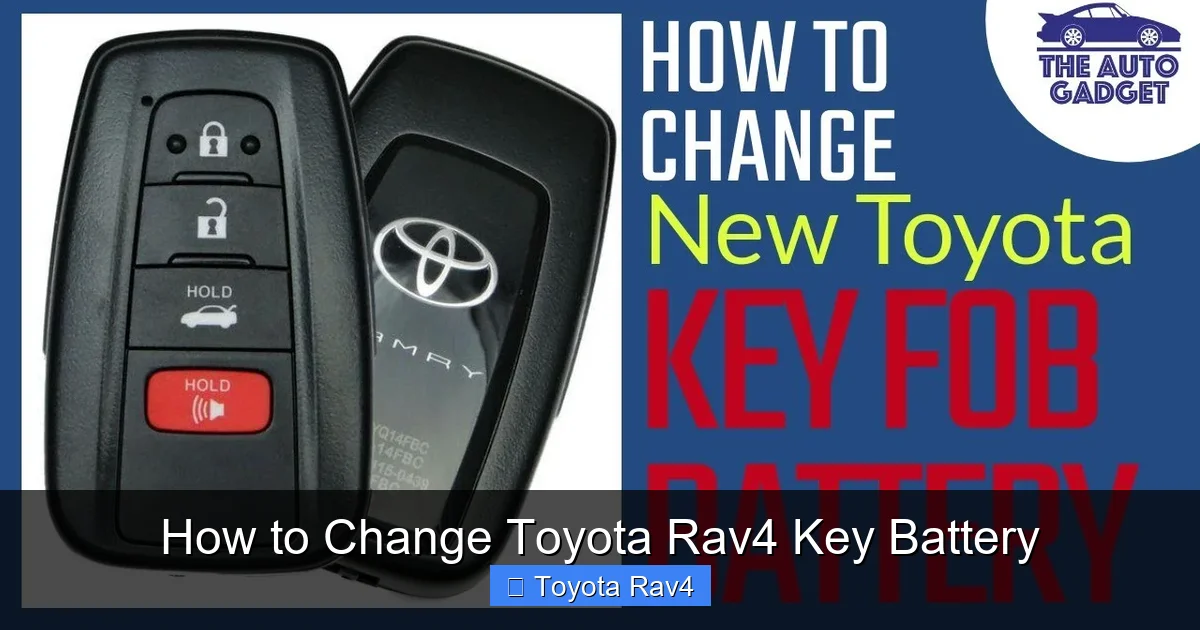
Changing the Toyota RAV4 key battery is a quick, simple task you can do at home in under 10 minutes. With just a few basic tools and a new CR2032 battery, you’ll restore your key fob’s functionality without visiting a dealership.
Key Takeaways
- Use the right battery: Most Toyota RAV4 key fobs require a CR2032 3-volt lithium coin cell battery.
- No special tools needed: A small flathead screwdriver or a coin is usually enough to open the key fob.
- Handle with care: Avoid forcing the fob apart to prevent damage to clips or internal components.
- Test after replacement: Always test the key’s lock, unlock, and panic functions before reassembling fully.
- Keep the key blade secure: If your fob has a physical key, store it safely during the process to avoid losing it.
- Replace when weak: Diminished range or delayed response are common signs your key battery is dying.
- DIY saves money: Doing it yourself avoids dealership fees, which can cost $20–$50 just for a battery swap.
📑 Table of Contents
- Why Your Toyota RAV4 Key Battery Needs Replacing
- Signs It’s Time to Change Your RAV4 Key Battery
- What You’ll Need to Change the Battery
- Step-by-Step Guide to Changing the Toyota RAV4 Key Battery
- Tips to Extend Your Key Battery Life
- Troubleshooting Common Issues
- When to Seek Professional Help
- Conclusion
Why Your Toyota RAV4 Key Battery Needs Replacing
If you’ve noticed your Toyota RAV4 key fob isn’t working as well as it used to—maybe the doors don’t unlock from more than a few feet away, or you have to press the button multiple times—it’s likely time to change the battery. The key fob relies on a small lithium battery to send signals to your vehicle, and like any battery, it eventually runs out of power. Most Toyota RAV4 key fobs use a CR2032 battery, which typically lasts between 3 to 5 years depending on usage.
Ignoring a weak key battery can lead to frustration, especially in bad weather or when you’re in a hurry. Worse, if the battery dies completely, you might not be able to unlock your car remotely or start it using the push-button ignition (if your RAV4 has that feature). The good news? Replacing the battery is one of the easiest DIY fixes you can do. You don’t need to visit a dealership or pay for expensive service—just a few minutes, a new battery, and a simple tool.
This guide walks you through the entire process step by step, tailored specifically for Toyota RAV4 models from 2013 to 2024. Whether you drive a compact RAV4 LE or a fully loaded RAV4 Hybrid Limited, the key fob design is similar enough that these instructions will work for you. Let’s get started and get your key working like new again.
Signs It’s Time to Change Your RAV4 Key Battery
Before diving into the replacement process, it’s helpful to confirm that a weak battery is actually the issue. Sometimes, problems with the key fob can stem from signal interference, damaged buttons, or even water damage. But in most cases, a dying battery is the culprit. Here are the most common signs that your Toyota RAV4 key battery needs replacing:
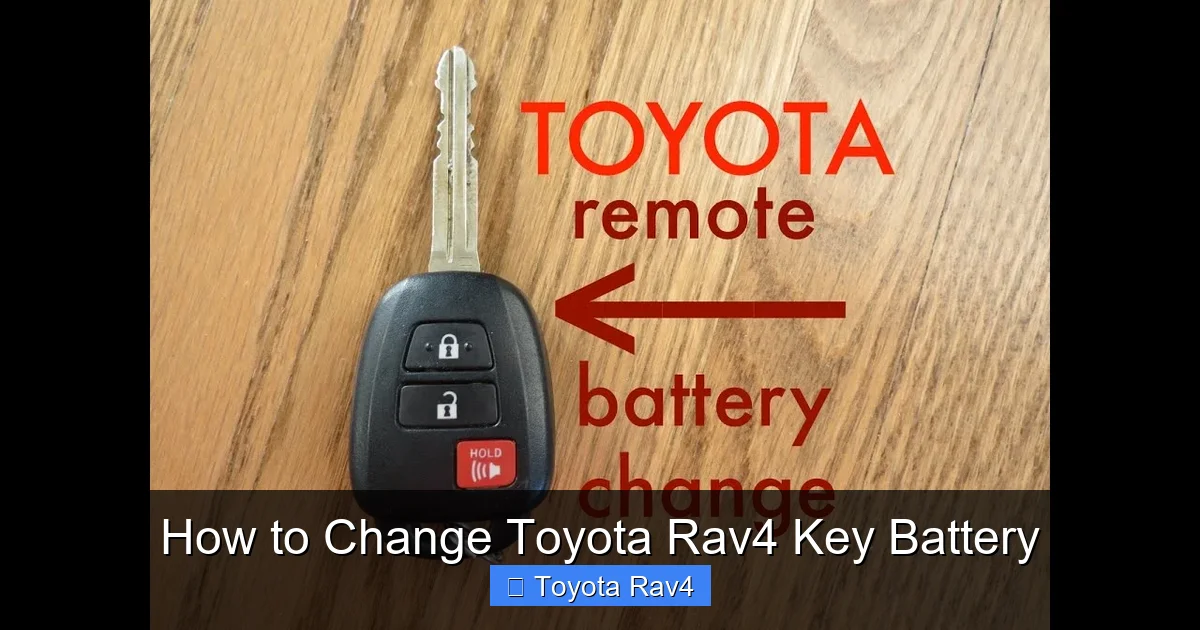
Visual guide about How to Change Toyota Rav4 Key Battery
Image source: i.ytimg.com
Reduced Range
One of the earliest signs is a noticeable drop in how far you can be from your vehicle and still use the remote. If you used to unlock your RAV4 from across the parking lot but now have to stand right next to the door, the battery is likely weakening. This happens because the fob’s transmitter requires sufficient power to send a strong signal to the car’s receiver.
Delayed or Inconsistent Response
When you press the lock or unlock button, does it take a second or two for the car to respond? Or maybe you have to press the button two or three times before it works? This lag is a classic symptom of low battery power. The fob is still sending a signal, but it’s too weak to be recognized immediately by the vehicle.
Interior Light Doesn’t Turn On
Some Toyota RAV4 models have an interior light that turns on when you press the unlock button, even if the doors don’t open. If this light no longer activates, it could mean the fob isn’t sending a strong enough signal. While this could also be a door sensor issue, a weak battery is the more common cause.
Key Fob Works Only When Held Near the Ignition
If your RAV4 has a push-button start and the key fob only works when you hold it near the steering column or dashboard, the battery is almost dead. This is a safety feature—when the battery is too weak to transmit normally, the car can still detect the fob via a low-frequency antenna near the ignition.
Warning Light on Dashboard
In newer RAV4 models (2019 and later), the vehicle may display a warning message on the dashboard, such as “Key Not Detected” or “Replace Key Battery.” This is your car’s way of telling you it’s time for a new battery. Don’t ignore it—replace the battery as soon as possible to avoid being locked out.
Physical Inspection
If you’ve had your key fob for several years and haven’t changed the battery, it’s probably time—even if it still works. Batteries degrade over time, and replacing them proactively can prevent unexpected failures. A good rule of thumb: if your RAV4 is more than 3 years old and you’ve never replaced the key battery, go ahead and do it now.
What You’ll Need to Change the Battery
One of the best things about changing a Toyota RAV4 key battery is that you don’t need a toolkit full of specialized equipment. In fact, most people already have everything they need at home. Here’s a quick list of what to gather before you start:
The Right Battery
The most important item is the correct replacement battery. As mentioned earlier, most Toyota RAV4 key fobs use a CR2032 3-volt lithium coin cell battery. This is a common size used in watches, calculators, and other small electronics, so you can find it at drugstores, supermarkets, electronics stores, or online. A pack of two or three costs around $5–$8 and gives you spares for the future.
Be careful not to confuse the CR2032 with similar batteries like the CR2025 or CR2016. While they look alike, they have different thicknesses and may not fit properly or provide consistent power. Always double-check the number printed on your old battery before buying a replacement.
A Small Flathead Screwdriver or Coin
To open the key fob, you’ll need a tool to pry apart the two halves. A small flathead screwdriver (about 3–4mm wide) works best, but if you don’t have one, a coin—like a quarter or dime—can do the trick. Avoid using anything too sharp or heavy, as it could scratch or crack the plastic casing.
A Clean, Well-Lit Workspace
Find a flat, well-lit surface to work on, like a kitchen table or desk. Good lighting helps you see the small components inside the fob, and a clean area reduces the risk of losing tiny parts. It’s also a good idea to work over a towel or cloth to catch any pieces that might fall.
Optional: Tweezers or Needle-Nose Pliers
While not required, tweezers or small pliers can help you handle the battery, especially if your fingers are large or if the battery is stuck. They’re also useful for reinserting the physical key blade if your fob has one.
Your Vehicle Key (If Applicable)
Some Toyota RAV4 key fobs have a physical key blade that slides out for manual door unlocking. If yours does, make sure you know how to access it before starting. You’ll need to remove it during the battery change, so keep it in a safe place so you don’t lose it.
Once you’ve gathered these items, you’re ready to begin. The entire process should take less than 10 minutes, and you’ll save yourself a trip to the dealership and potentially $30 or more in service fees.
Step-by-Step Guide to Changing the Toyota RAV4 Key Battery
Now that you’re prepared, let’s walk through the actual process of replacing the battery in your Toyota RAV4 key fob. The steps are straightforward, but it’s important to go slowly and carefully to avoid damaging the fob. Follow along, and you’ll have a working key in no time.
Step 1: Locate the Release Button or Slot
Start by examining your key fob. Most Toyota RAV4 fobs have a small button or indentation on the side that allows you to remove the physical key blade. If your fob has a key, press the button (usually on the top or side) and pull the metal key out. Set it aside in a safe place—don’t lose it!
If your fob doesn’t have a physical key, look for a small seam running around the edge of the fob. This is where the two halves connect. You’ll use your screwdriver or coin to gently pry it open.
Step 2: Open the Key Fob
With the key blade removed (if applicable), locate the small slot or seam on the side of the fob. Insert your flathead screwdriver or coin into the slot and gently twist to separate the two halves. Be patient—don’t force it. The plastic clips inside can break if you apply too much pressure.
As you twist, you should hear a soft “click” as the halves begin to separate. Continue working your way around the fob until it opens completely. If it feels stuck, try a different spot or use a lighter touch. Some fobs have tighter seals than others, especially if they’ve never been opened before.
Step 3: Remove the Old Battery
Once the fob is open, you’ll see the battery housed in a small circular compartment. It’s usually held in place by a metal clip or a plastic retainer. Use your screwdriver or tweezers to gently lift the battery out. Note which side is facing up—most CR2032 batteries have the positive (+) side facing up, but it’s good to confirm before removing it.
If the battery is stuck, don’t yank it out. Wiggle it slightly or use the edge of your screwdriver to lift one side. Avoid touching the battery with metal tools for too long, as static electricity can damage it.
Step 4: Insert the New Battery
Take your new CR2032 battery and place it into the compartment with the positive (+) side facing up—the same way the old one was positioned. Make sure it sits flat and secure. If it wobbles or doesn’t fit snugly, double-check the orientation or try a different battery.
Once the battery is in place, press down gently to ensure it’s seated properly. You shouldn’t need to force it—if it doesn’t go in easily, recheck the direction.
Step 5: Reassemble the Key Fob
Carefully align the two halves of the fob and press them together until you hear a series of clicks. Make sure all edges are flush and there are no gaps. If the fob doesn’t close completely, check that the battery is seated correctly and that no internal components are misaligned.
If your fob has a physical key, reinsert the metal blade by sliding it back into the slot until it clicks into place. Test the key to make sure it moves smoothly.
Step 6: Test the Key Fob
Before you celebrate, test your key fob to make sure it’s working. Stand a few feet away from your RAV4 and press the lock, unlock, and panic buttons. The doors should respond immediately, and the interior lights should activate when you unlock.
If the fob doesn’t work, double-check that the battery is inserted correctly and that the fob is fully closed. Sometimes, a loose connection or misaligned component can prevent it from functioning. If it still doesn’t work, try a different battery or inspect the fob for damage.
Tips to Extend Your Key Battery Life
Now that your key fob is working like new, you can take a few simple steps to make the battery last as long as possible. While you can’t stop batteries from eventually dying, you can delay the need for another replacement.
Avoid Extreme Temperatures
Heat and cold can shorten battery life. Don’t leave your key fob in direct sunlight, on a car dashboard, or in a freezing car overnight. Extreme temperatures can cause the battery to drain faster or degrade prematurely.
Keep It Clean and Dry
Dirt, moisture, and grime can interfere with the electrical contacts inside the fob. Wipe the exterior with a dry cloth regularly, and avoid exposing it to water. If your fob gets wet, dry it thoroughly before using it.
Don’t Press Buttons Unnecessarily
Every time you press a button, the fob uses a small amount of power. Avoid pressing the lock or unlock button repeatedly when it’s not needed. Also, don’t store the fob near other electronic devices that might cause interference.
Store Spare Batteries Properly
If you bought extra CR2032 batteries, store them in a cool, dry place away from metal objects. Keeping them in their original packaging or a plastic case can prevent accidental discharge.
Replace Before It Dies
As mentioned earlier, replacing the battery every 3–4 years—even if it still works—can prevent unexpected failures. Mark the date on your calendar or set a reminder on your phone to check the battery periodically.
Troubleshooting Common Issues
Even with careful handling, you might run into a few hiccups when changing your Toyota RAV4 key battery. Here are some common problems and how to fix them:
Fob Won’t Open
If the fob won’t open, make sure you’re using the right tool and applying gentle pressure. Avoid prying too hard, as this can crack the plastic. Try a different spot along the seam or use a thinner screwdriver.
New Battery Doesn’t Work
Double-check the battery orientation and ensure the fob is fully closed. If it still doesn’t work, the new battery might be defective—try another one. Also, inspect the battery contacts for dirt or corrosion and clean them with a cotton swab if needed.
Key Blade Won’t Reinsert
If the physical key won’t slide back in, make sure it’s aligned correctly. The key has a specific orientation, and forcing it can damage the mechanism. Remove it and try again slowly.
Fob Works Intermittently
This could be a sign of a weak battery, dirty contacts, or signal interference. Clean the fob, replace the battery, and test it away from other electronics. If the problem persists, the fob may need professional repair.
When to Seek Professional Help
While changing the battery is usually a simple task, there are times when it’s best to consult a professional. If your key fob is damaged, cracked, or has been exposed to water, the internal circuitry may be compromised. In such cases, replacing the battery might not fix the problem.
Additionally, if your RAV4 uses a smart key system with advanced features like remote start or proximity unlocking, and the fob still doesn’t work after a battery change, there may be a deeper issue. A Toyota dealership or certified locksmith can diagnose and repair complex key fob problems.
However, for most owners, a DIY battery replacement is safe, effective, and cost-efficient. With the right tools and a little patience, you can keep your Toyota RAV4 key fob working reliably for years to come.
Conclusion
Changing the Toyota RAV4 key battery is a simple, money-saving task that anyone can do at home. With just a CR2032 battery, a small screwdriver, and a few minutes of your time, you can restore full functionality to your key fob and avoid the hassle of a dead remote. By recognizing the signs of a weak battery, using the right tools, and following the steps carefully, you’ll keep your RAV4 secure and convenient to use.
Remember to test your key after replacement, store spare batteries properly, and replace the battery proactively every few years. With these tips, you’ll never be left stranded by a dead key fob again. So the next time your RAV4 key starts acting up, don’t panic—just grab a new battery and get back on the road.
Frequently Asked Questions
What type of battery does a Toyota RAV4 key fob use?
Most Toyota RAV4 key fobs use a CR2032 3-volt lithium coin cell battery. This is a standard size available at most stores. Always check your old battery to confirm the model before purchasing a replacement.
How often should I replace my RAV4 key battery?
The battery typically lasts 3 to 5 years, depending on usage. If you notice reduced range or delayed response, it’s time to replace it. Proactively changing it every 3–4 years can prevent unexpected failures.
Can I change the key battery myself, or do I need a dealer?
Yes, you can easily change the battery yourself at home. No special tools or expertise are required. Doing it yourself saves time and money compared to visiting a dealership.
What if my key fob still doesn’t work after replacing the battery?
Double-check the battery orientation and ensure the fob is fully closed. If it still doesn’t work, the new battery may be defective, or the fob could have internal damage. Try a different battery or consult a professional.
Do I need to reprogram the key after changing the battery?
No, you do not need to reprogram the key. The programming is stored in the fob’s internal memory, which remains intact during a battery change. Simply replace the battery and test the functions.
Can a dead key battery prevent my RAV4 from starting?
Yes, if your RAV4 has a push-button start and the key battery is completely dead, the car may not detect the fob. However, most models allow you to start the car by holding the fob near the ignition button as a backup.